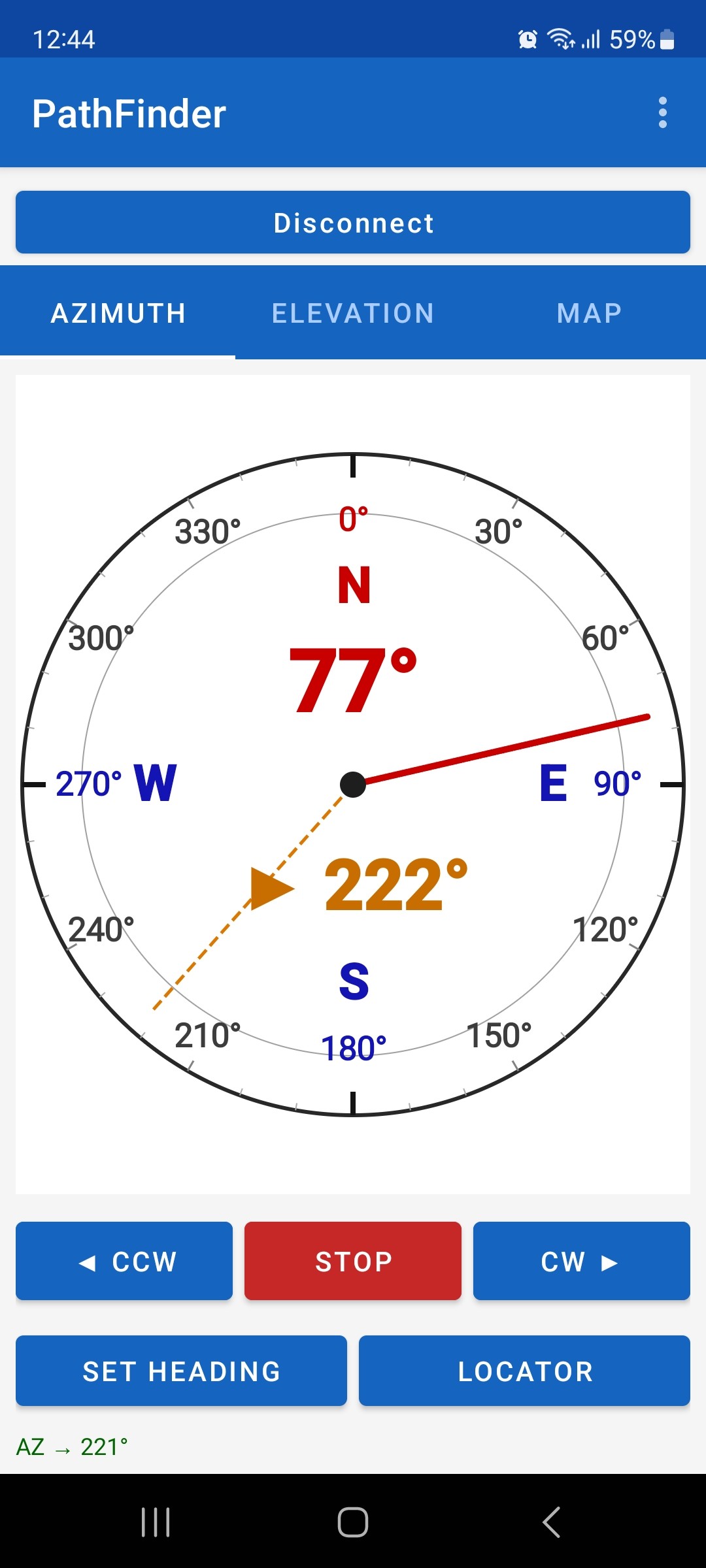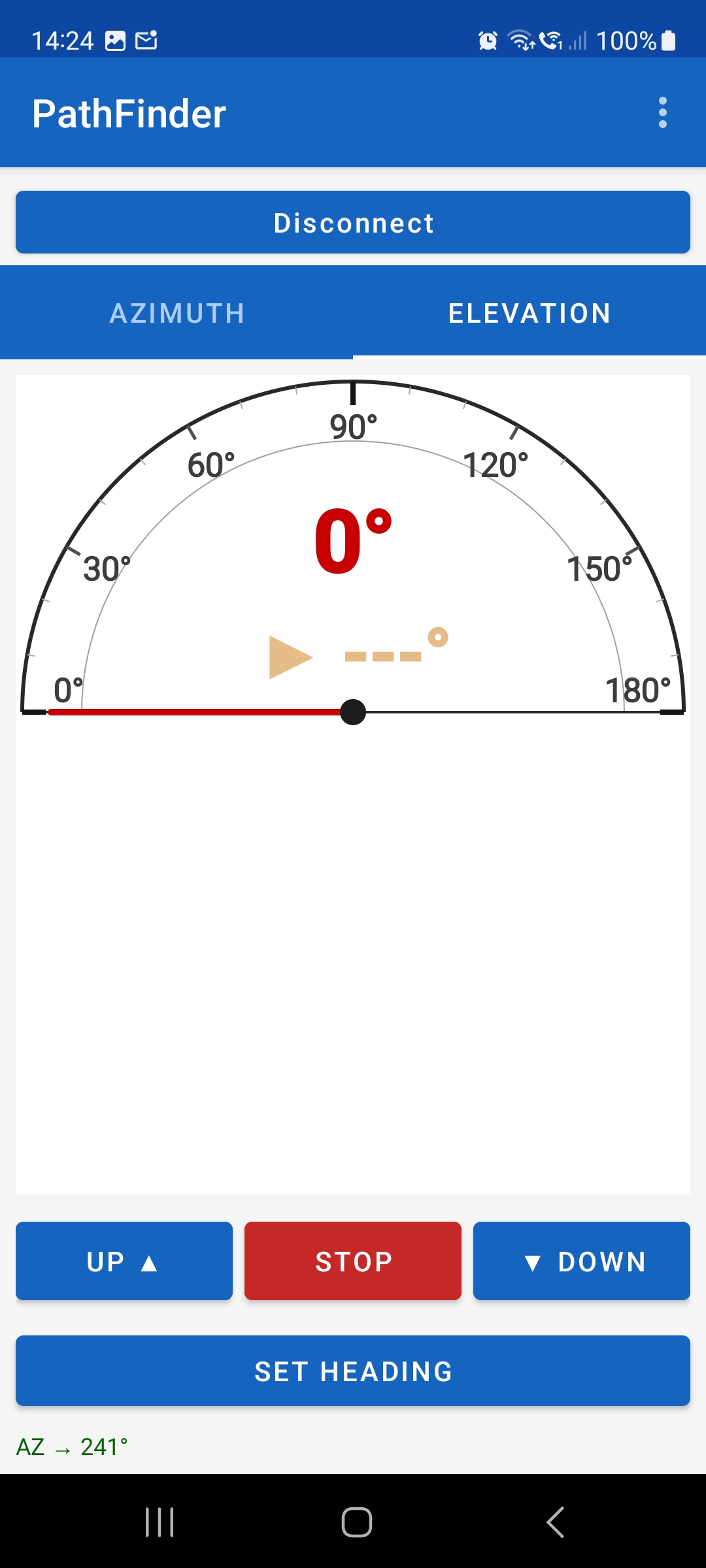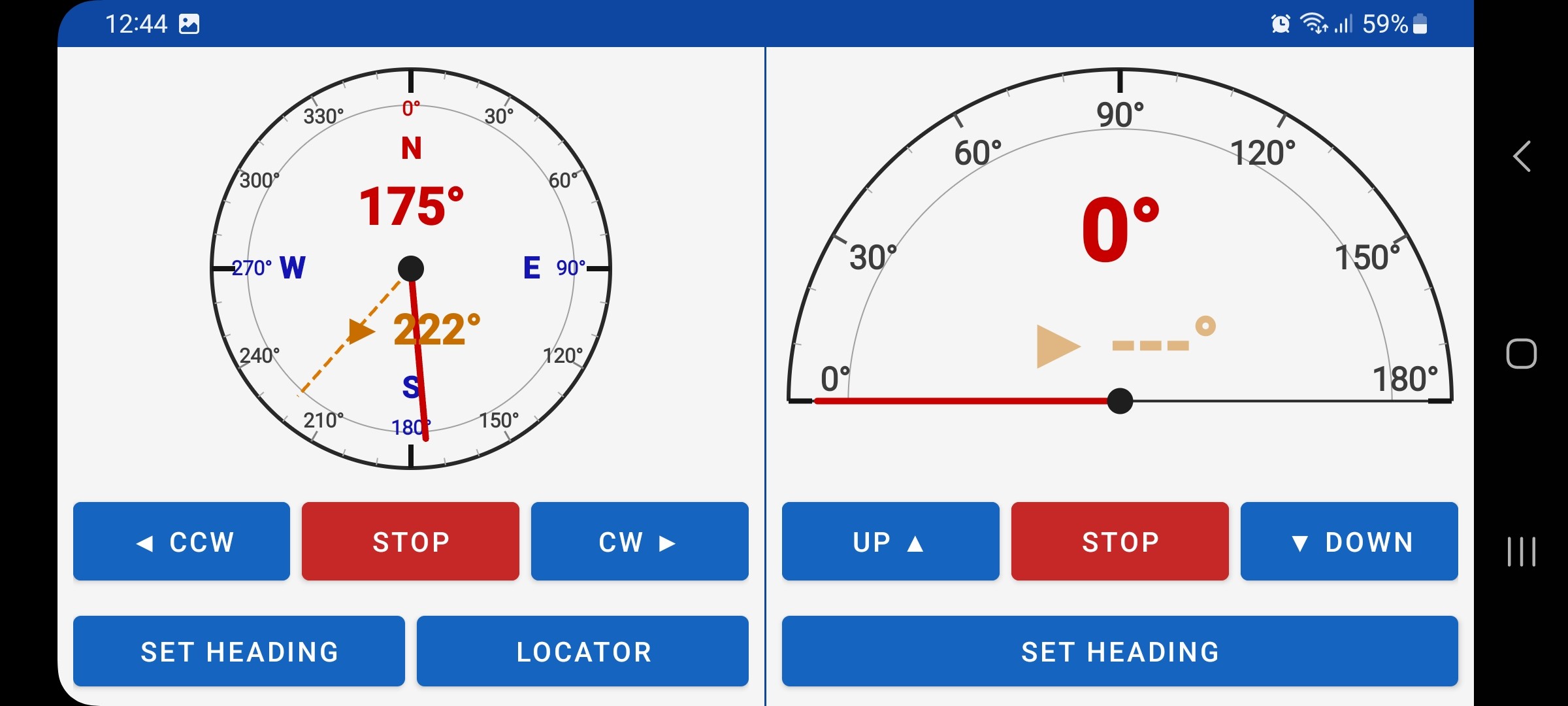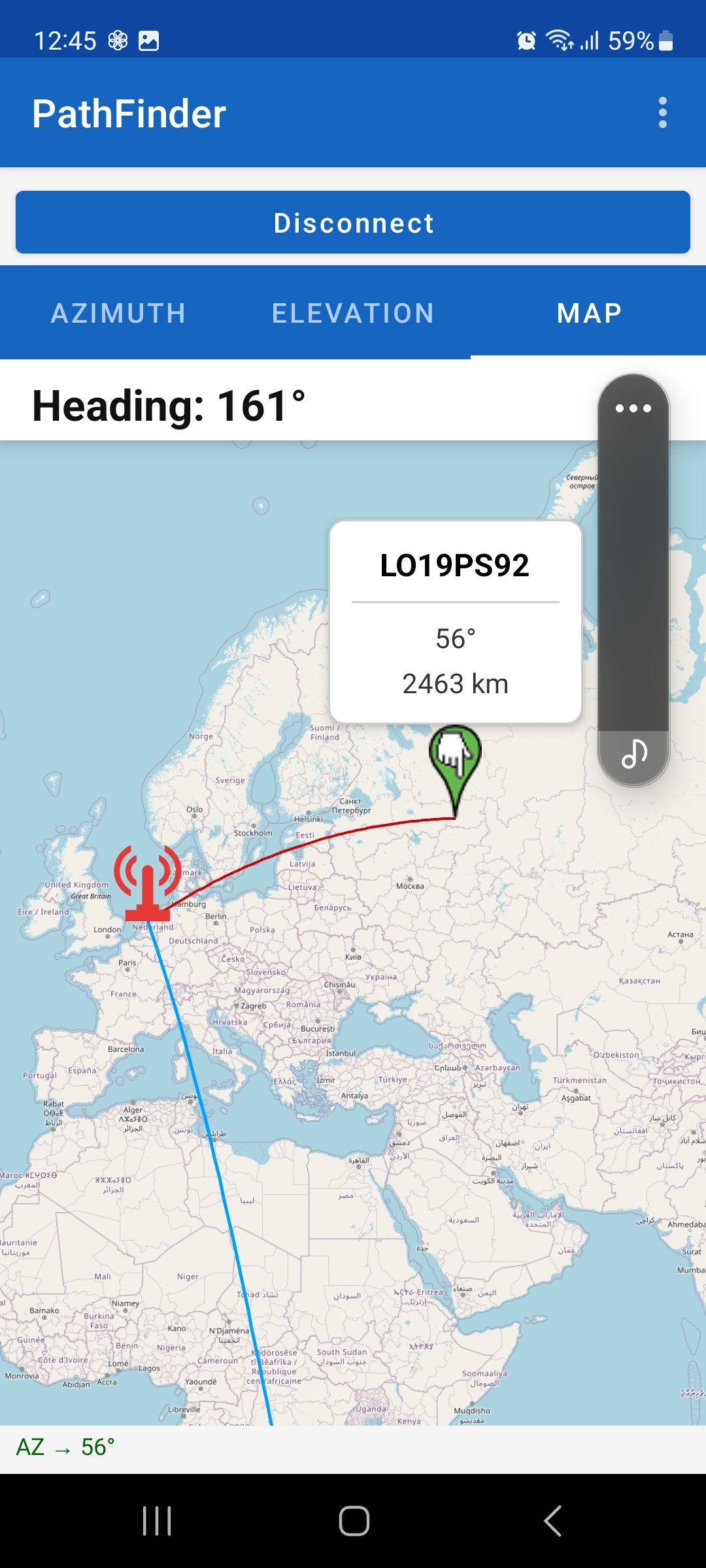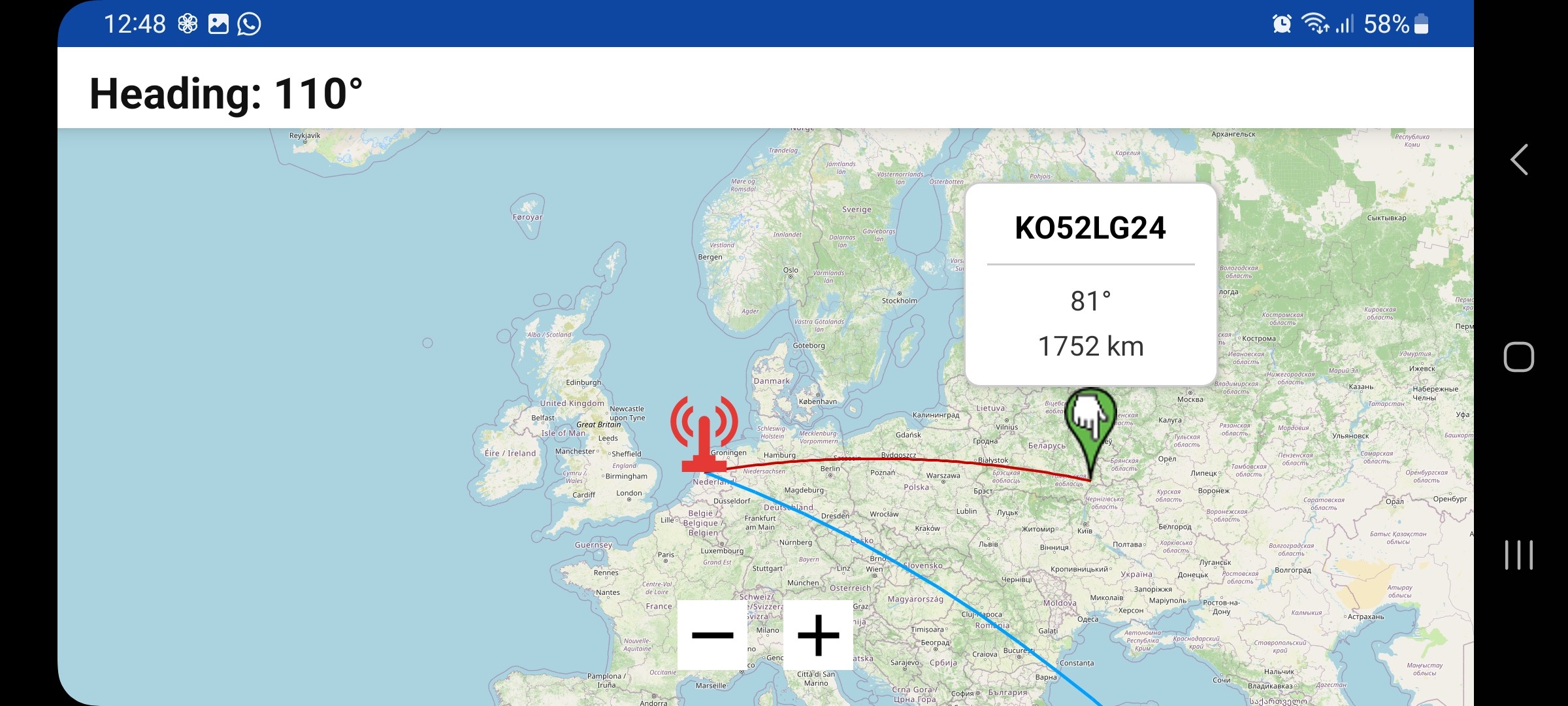
PathFinder is a family of antenna rotator hardware interfaces and companion applications, built around the open GS232 protocol. Current hardware supports DX rotor clocks and Yaesu G-5x00 rotors — with multi-point calibration, dedicated Windows and Android apps, and more hardware models in development.
PathFinder is a product family for antenna rotator control. The hardware interfaces bridge the analogue position signals of your rotor clock to your Windows PC via USB — reading the potentiometer position, calculating the exact angle using multi-point calibration, and sending movement commands (CW, CCW, UP, DOWN) back. Via the GS232 protocol, PathFinder communicates with any logging, tracking or satellite software.
The family currently includes hardware models for DX rotor clocks and Yaesu G-5x00 rotors, paired with three companion apps: PathFinder Tool (configuration & calibration), PathFinder Client (Windows operation) and PathFinder Android Client (mobile). New hardware models are in development.
Application installer and firmware files for PathFinder.
PathFinder works with three families of rotor hardware.
G-5400, G-5500, G-5600B and G-2800 rotors fitted with the DX(A) or DX(C) potentiometer modification. Covers azimuth-only, elevation-only and combined AZ+EL setups. Azimuth range up to 450°, elevation up to 180°.
Azimuth Elevation 0–450° DIN-8 Satellite / EMEStand-alone rotor clock control units (800, 1000, 2800). Connect to PathFinder via Mini-DIN-6 or DIN-8. These clocks drive the G-5x00 rotors and pass the potentiometer signal to PathFinder for position feedback.
Mini-DIN-6 AZPathFinder can be integrated directly inside an SDX clock, becoming part of the device itself. Supports simultaneous azimuth and elevation control in a single enclosure.
Built-in AZ + ELThe PathFinder interface connects your rotor clock to the computer via USB.
To computer. Power & communication.
DX(A/C) 800 / 1000 / 2800 rotor clocks.
Yaesu G-5x00 series rotors.
Run PathFinderSetup.exe. The installer places the application and avrdude in Program Files.
Plug in the USB-B cable. Windows recognises the FT232RL chip and automatically assigns a COM port.
Open PathFinder, select the correct COM port and click Connect. The firmware version appears once the connection is active.
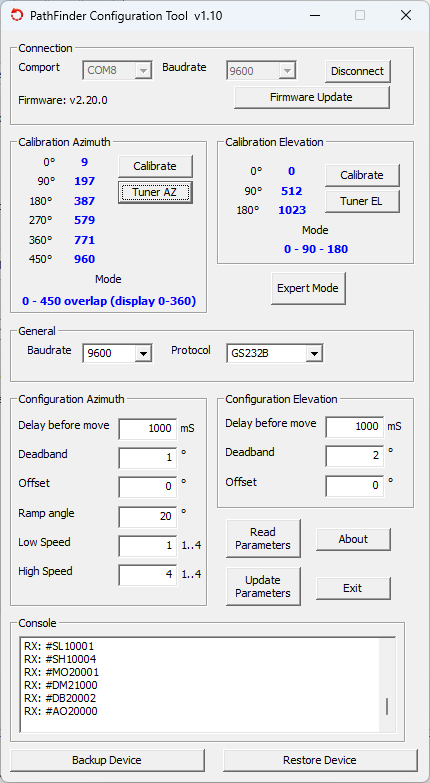
Set the protocol, modes and speeds. Then run the calibration wizard for azimuth and, if applicable, elevation.
The Windows application handles all configuration, calibration and firmware updates for the interface.
Automatic COM port detection. Real-time display of firmware version and protocol as soon as the interface is connected.
COM port auto-detectAll parameters — protocol, rotor mode, speed, deadband and offset — are set graphically and saved directly to the EEPROM of the interface.
EEPROM persistentGuided calibration for azimuth (up to 6 points) and elevation (3 points). Drive the rotor to each reference position and click to capture.
6-point AZ 3-point ELLoad a new firmware file (fwv###.fw) through the application. PathFinder compares versions and requests confirmation before flashing.
Direct ADC value editing for advanced users. Individually write each calibration anchor point to EEPROM. Reads back current ADC values for verification.
ADC raw values expert modeExport all parameters and calibration points to a JSON file. Restore in seconds after a firmware update or hardware replacement.
JSON restorableA lightweight Windows control panel for manual and automated antenna pointing — connects to PathFinder via GS232A/B.
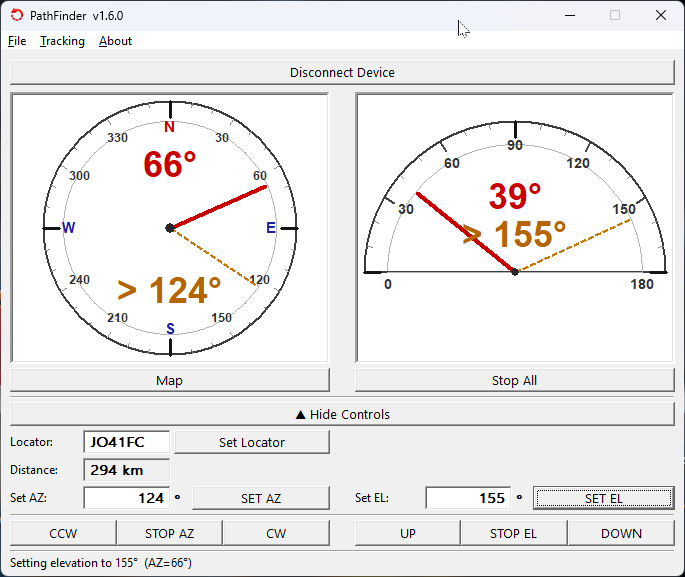
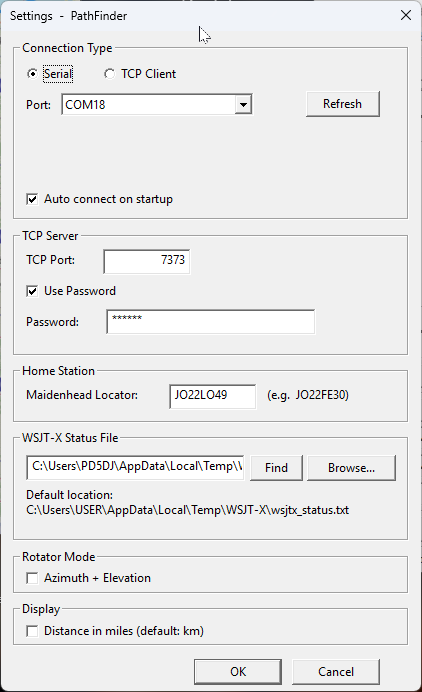
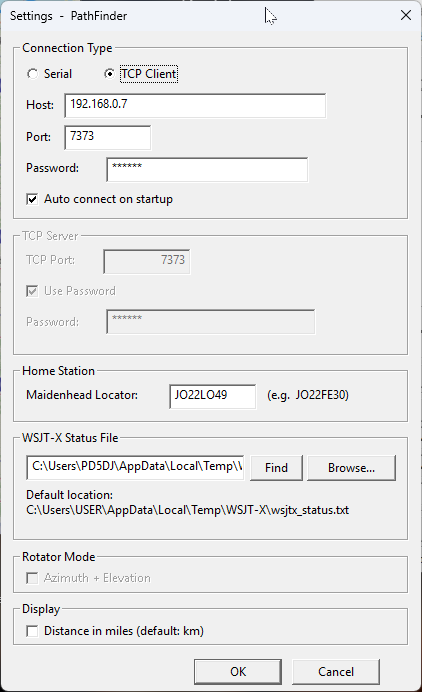
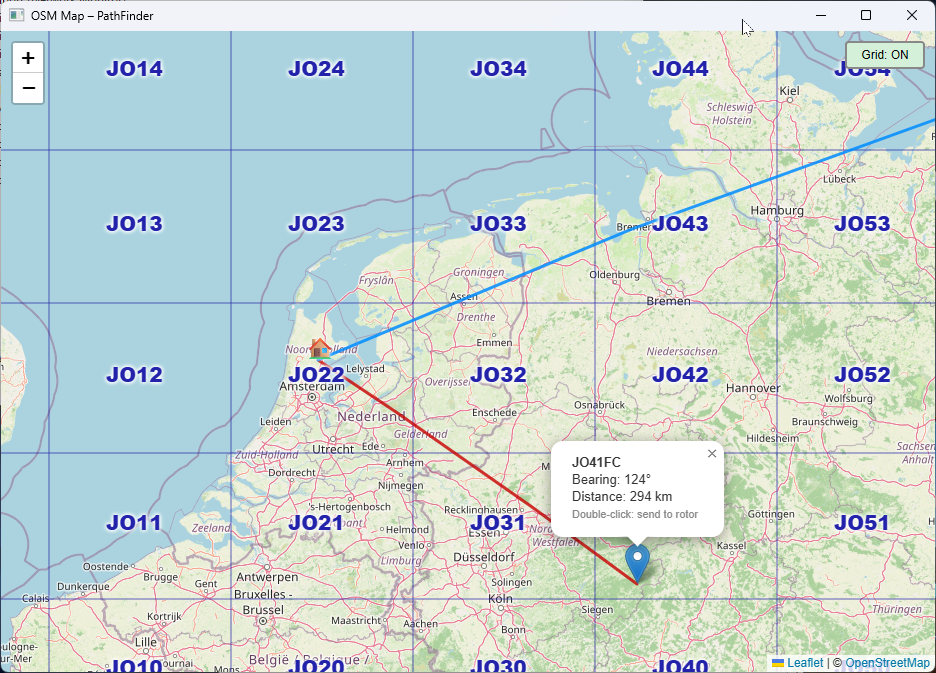
The PathFinder is a standalone Windows application for day-to-day rotator operation. It connects via Serial (COM port) or TCP (local or remote), shows live AZ and EL compass roses with a preset needle, and can automatically track stations via WSJT-X, JTDX or MSHV.
wsjtx_status.txt file — typically found in
C:\Users\USER\AppData\Local\Temp\WSJT-X\.
Control your rotator from your smartphone or tablet — over Wi-Fi at home or remotely via the internet.
The PathFinder Android Client connects to the PathFinder Windows Client running on a PC via TCP (default port 7373). The PC acts as a bridge between the Android app and the hardware interface. The connection works both on the local network and remotely over the internet — with optional password protection for secure access.
7373) and optionally a password. Then enter the PC's IP address and port in the Android app and tap Connect.
Choose your path — first-time setup, or reference for a specific function.
Overview of recent firmware and application changes.
String class from the firmware. All buffers are now static. Improved long-term reliability.
$CA1–$CA6 commands added. Calibrate directly from the PathFinder application without manual serial commands.
Built by an amateur radio operator, for amateur radio operators.
PathFinder is a personal project developed to drive a DX rotor clock accurately and reliably from a computer. The interface combines a microcontroller-based hardware board with a professional Windows application and open firmware — fully user-updatable and calibratable.